PestNetOnline
Login© 2026 Rentokil Initial plc and subject to the conditions in the Legal statement
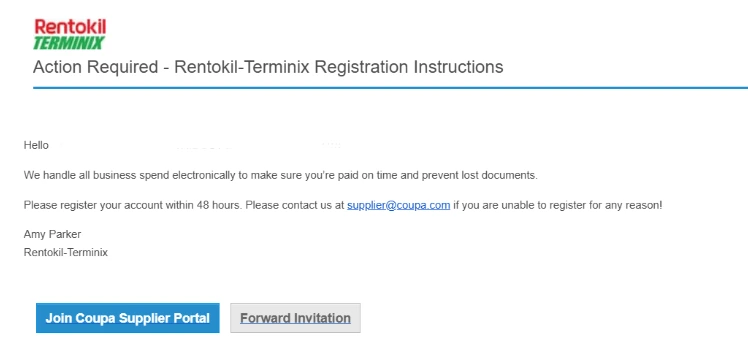
If this is your first time registering, you will receive an email from the Coupa Supplier Portal. Click “Join Coupa Supplier Portal” at the bottom of the email to begin the registration process.
If you do not receive a welcome email, please reach out to:
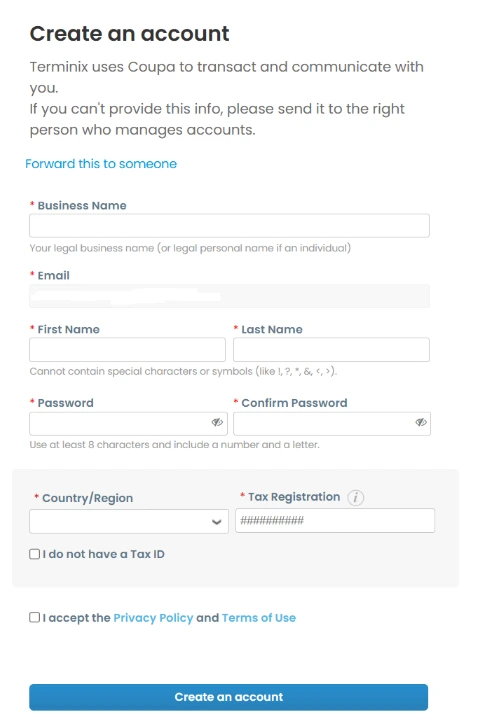
Your business name, email, first name, last name, and email will automatically populate.
Fill out the remaining fields and submit the form.
Your account will then be created.
Reach out to the relevant team below. We'll be in touch as soon as possible.