PestNetOnline
Login© 2026 Rentokil Initial plc and subject to the conditions in the Legal statement
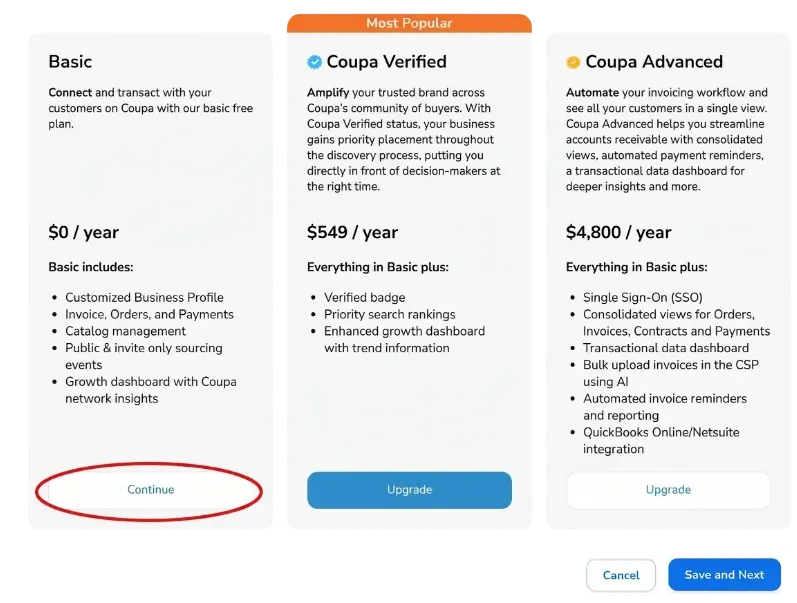
Coupa offers a free subscription to the Coupa Supplier Portal or a paid subscription with additional benefits. Click “Continue” under the Basic Subscription to continue with the free version.
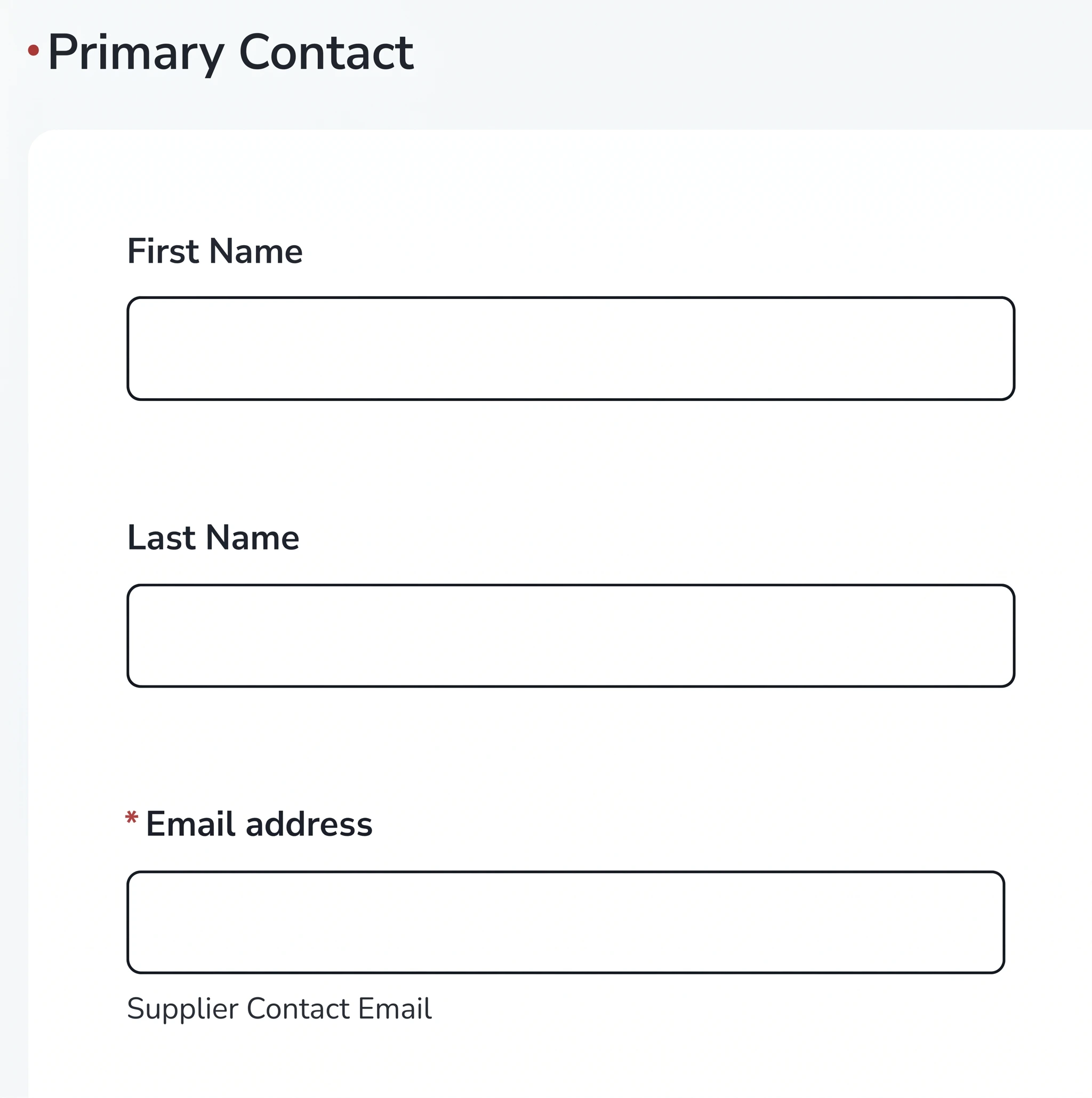
First Name: Enter the first name of the Primary Contact for your company who will serve as the main point of contact
Last Name: Enter the last name of the Primary Contact for your company who will serve as the main point of contact
Email Address: The email address field will be pre-populated with the email address we have on file. Please verify that the email address is accurate and update it if necessary
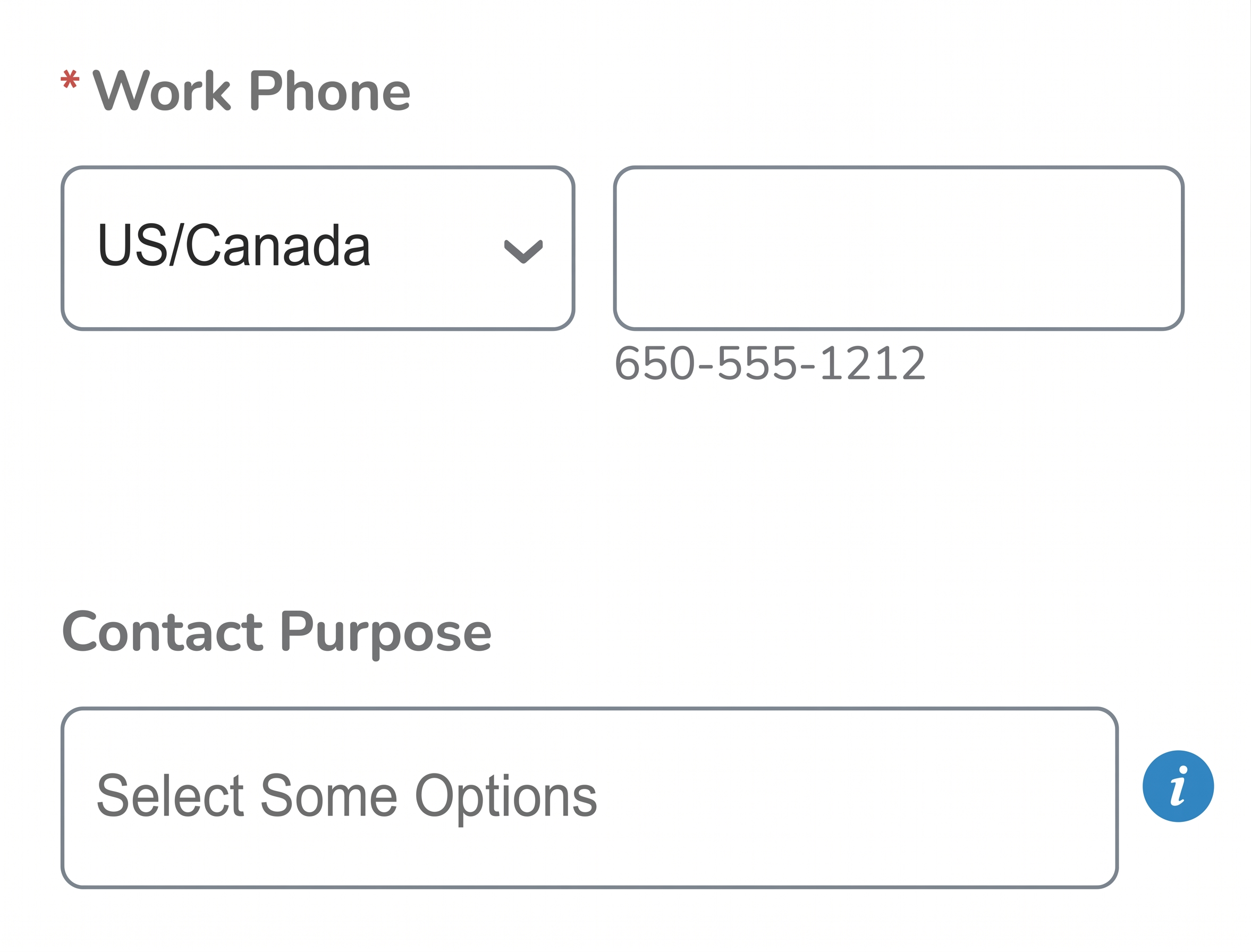
Work Phone: The Work Phone field will be pre-populated with the information we have on file. Please verify that the phone number is accurate and update if necessary.
Contact Purpose: Select a category (or multiple) to indicate what this contact will be used for
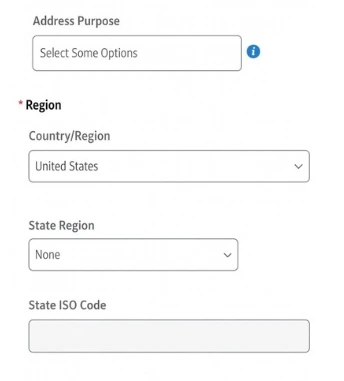
Address Purpose: Select a category (or multiple) to indicate what this address will be used for
Country / Region: Select the Country or Region where your company is located
State Region: Select the State where your company is located
State ISO Code: The State ISO code field will pre-populate based on the State field response
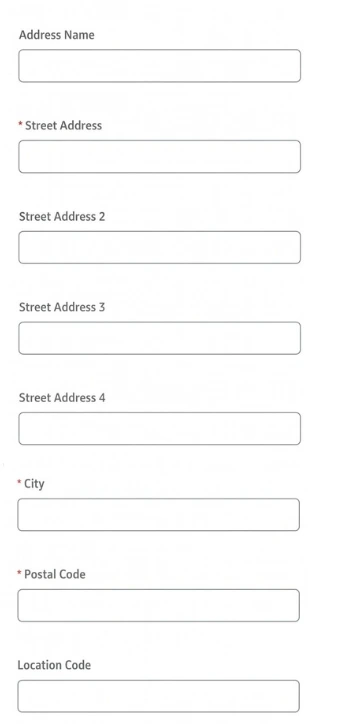
Address Name: Enter a descriptive name for this address
Street Address: Enter the primary street address for this location
Street Address 2: Enter additional address information if necessary (Suite, Unit or Building #)
Street Address 3: Enter any additional address details if necessary
Street Address 4: Enter any additional address details if necessary
City: Enter the city associated with this address
Postal Code: Enter the postal code or ZIP code associated with this address
Location Code: This field is not required. Please leave blank
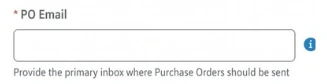
PO Email: Enter a valid Email address that is regularly monitored, as Purchase Orders will be sent to this Email address
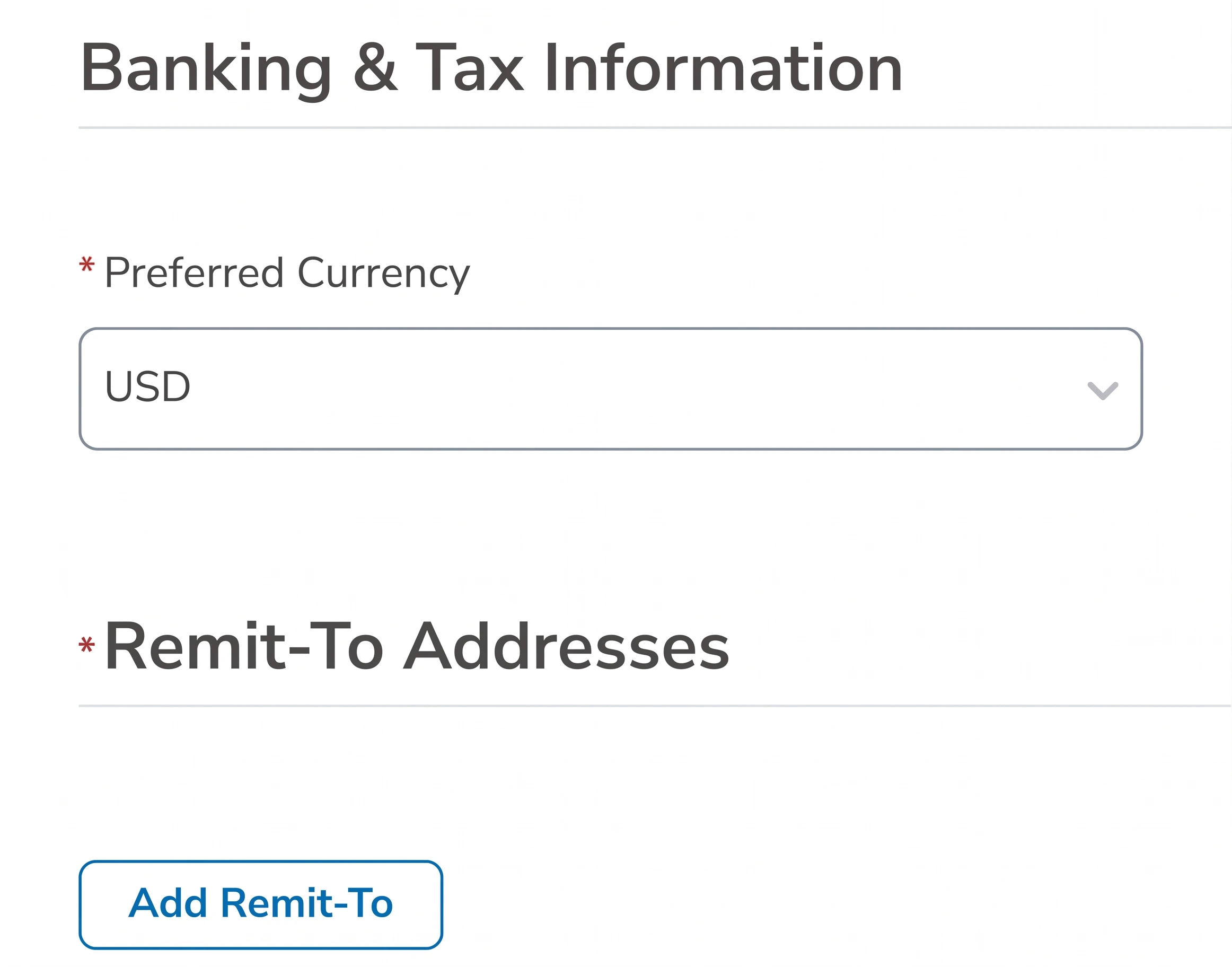
Preferred Currency: Select your preferred currency
Remit-To Addresses: Click "Add Remit-To" to add a Remit-to Address
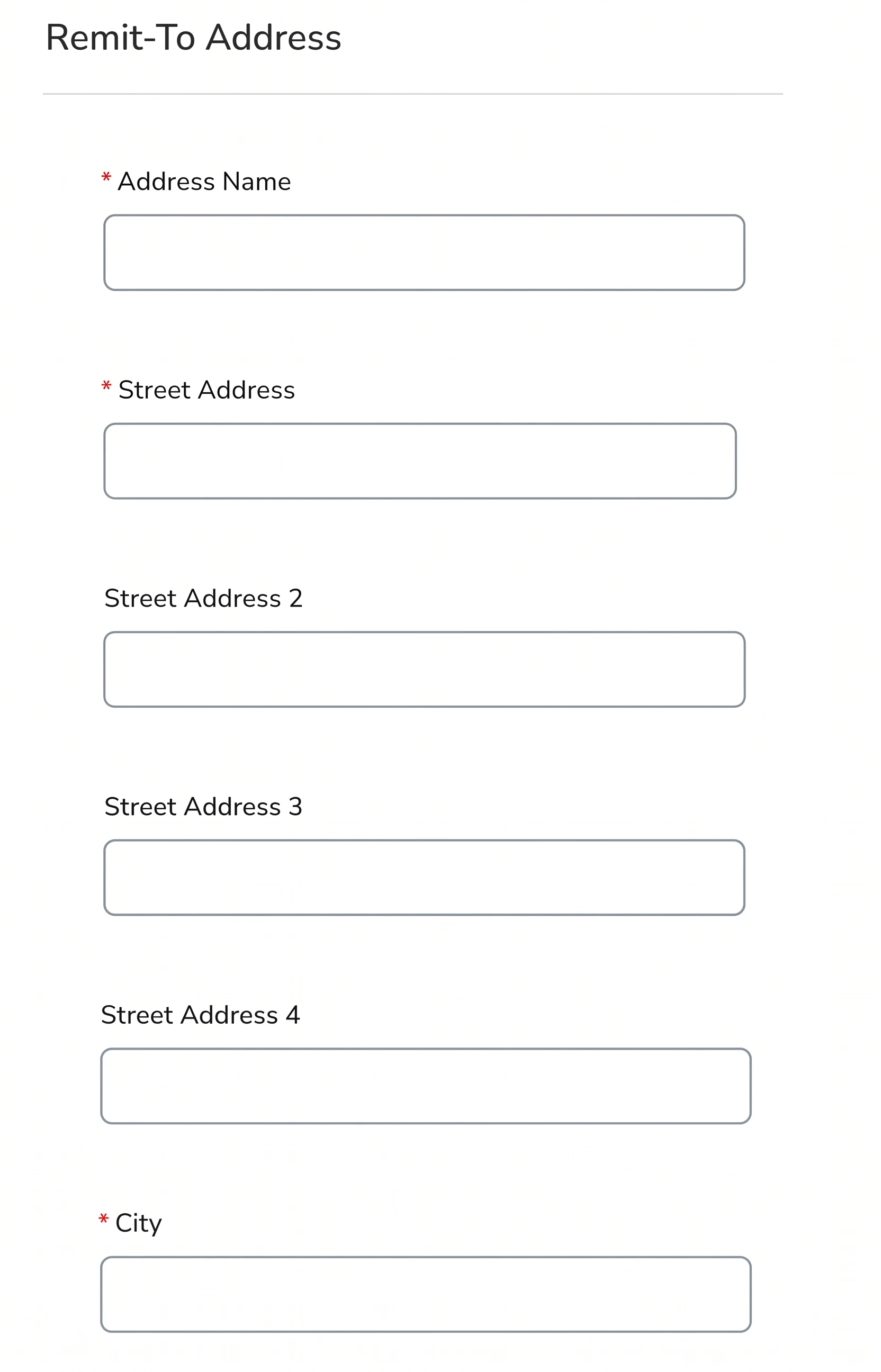
Address Name: Enter a descriptive name for this address
Street Address 1: Enter the primary street address
Street Address 2: Enter additional address information if necessary (Suite, Unit or Building #)
Street Address 3: Enter additional details if necessary
Street Address 4: Enter additional details if necessary
City: Enter the city associated with this address
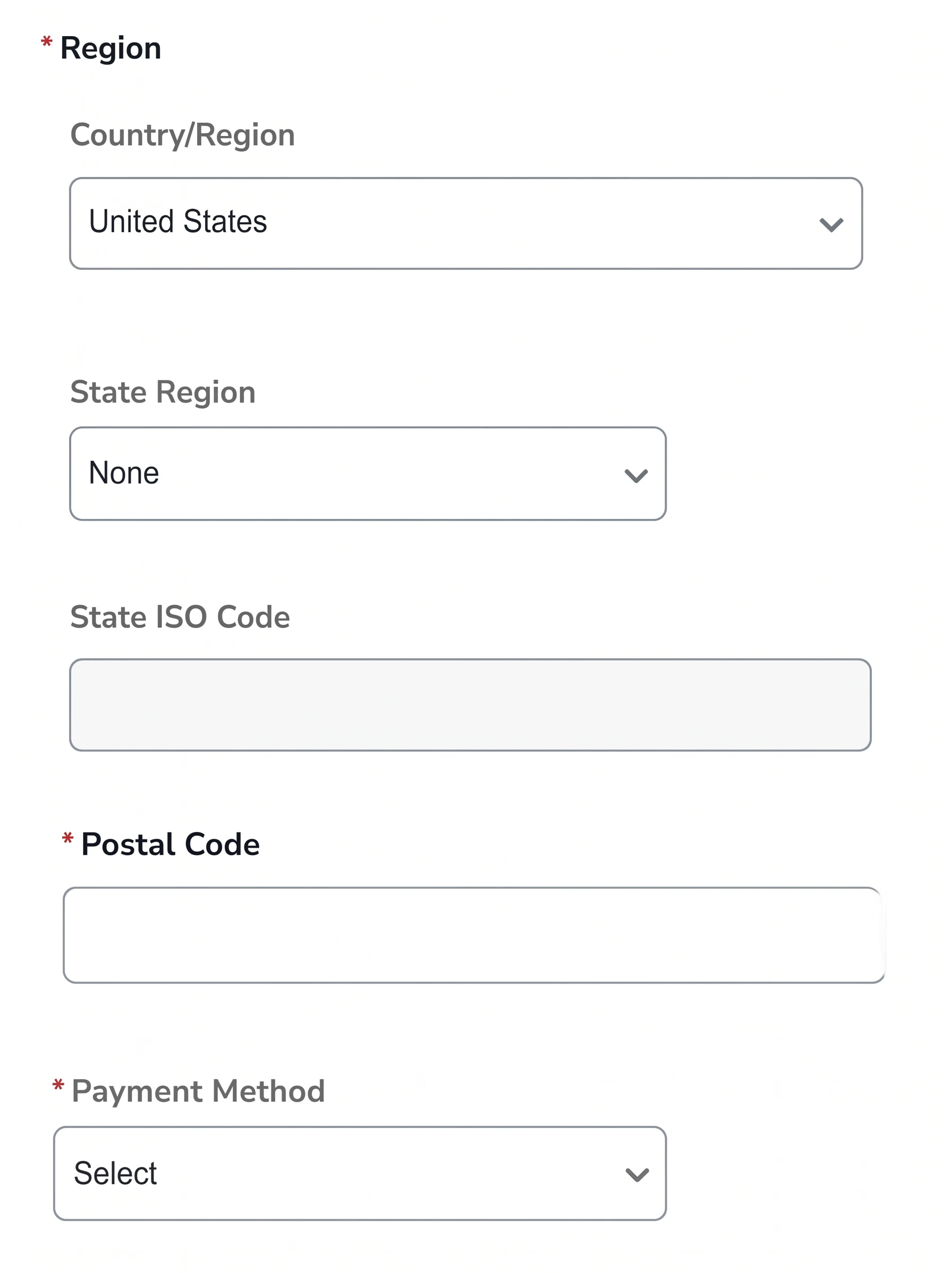
Country/Region: Select the Country or Region associated with this address
State Region: Select the State associated with this address
State ISO Code: This field will pre-populate based on the State field response
Postal Code: Enter the postal code or ZIP code associated with this address
Payment Method: Select your payment method
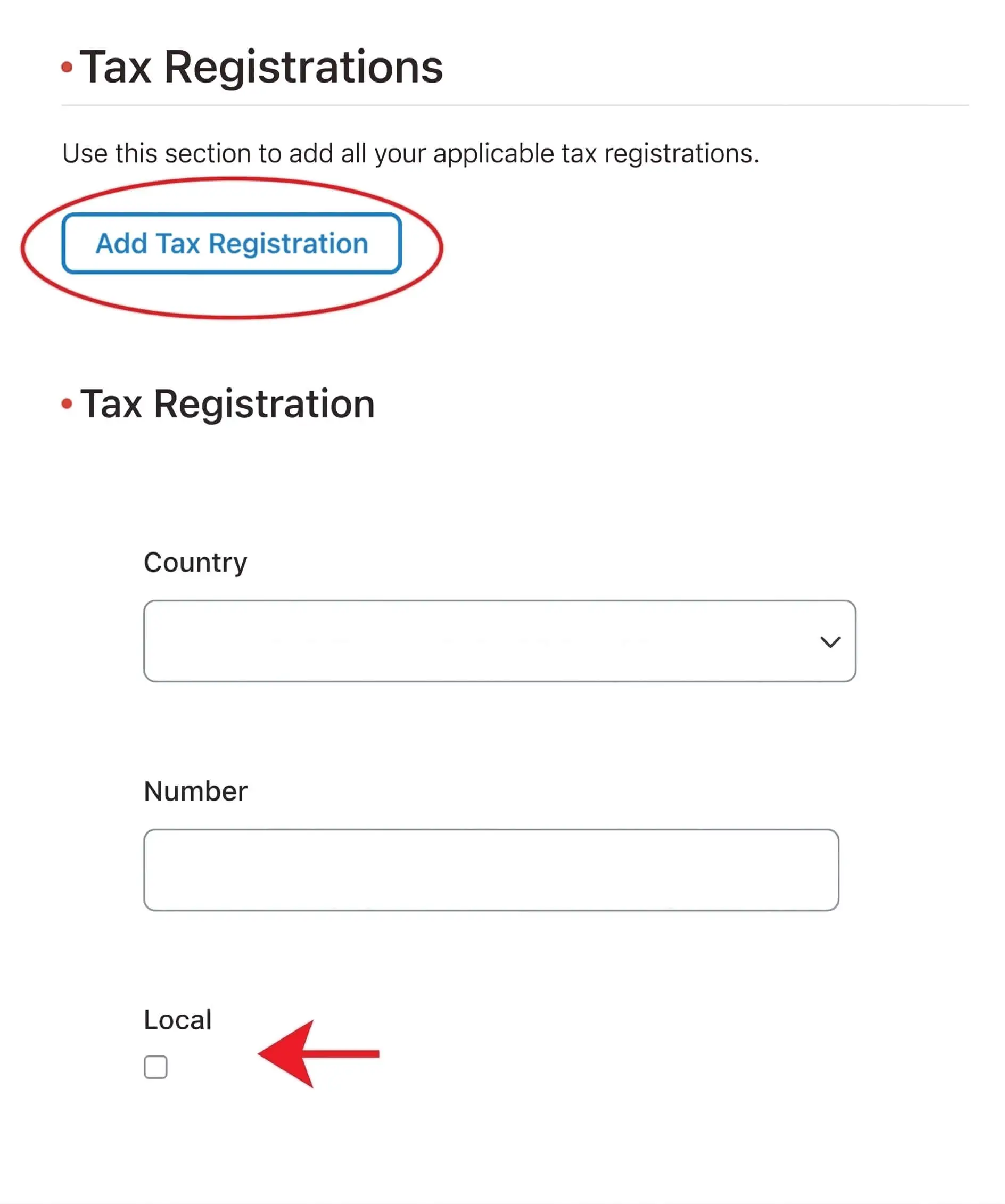
Add Tax Registration: Click the button to add your Tax Registration information
Country: Please select the Country that issued the Tax Registration Number
Local Checkbox: Check the box if the Tax Registration Number is issued in the same country as the address associated with this record
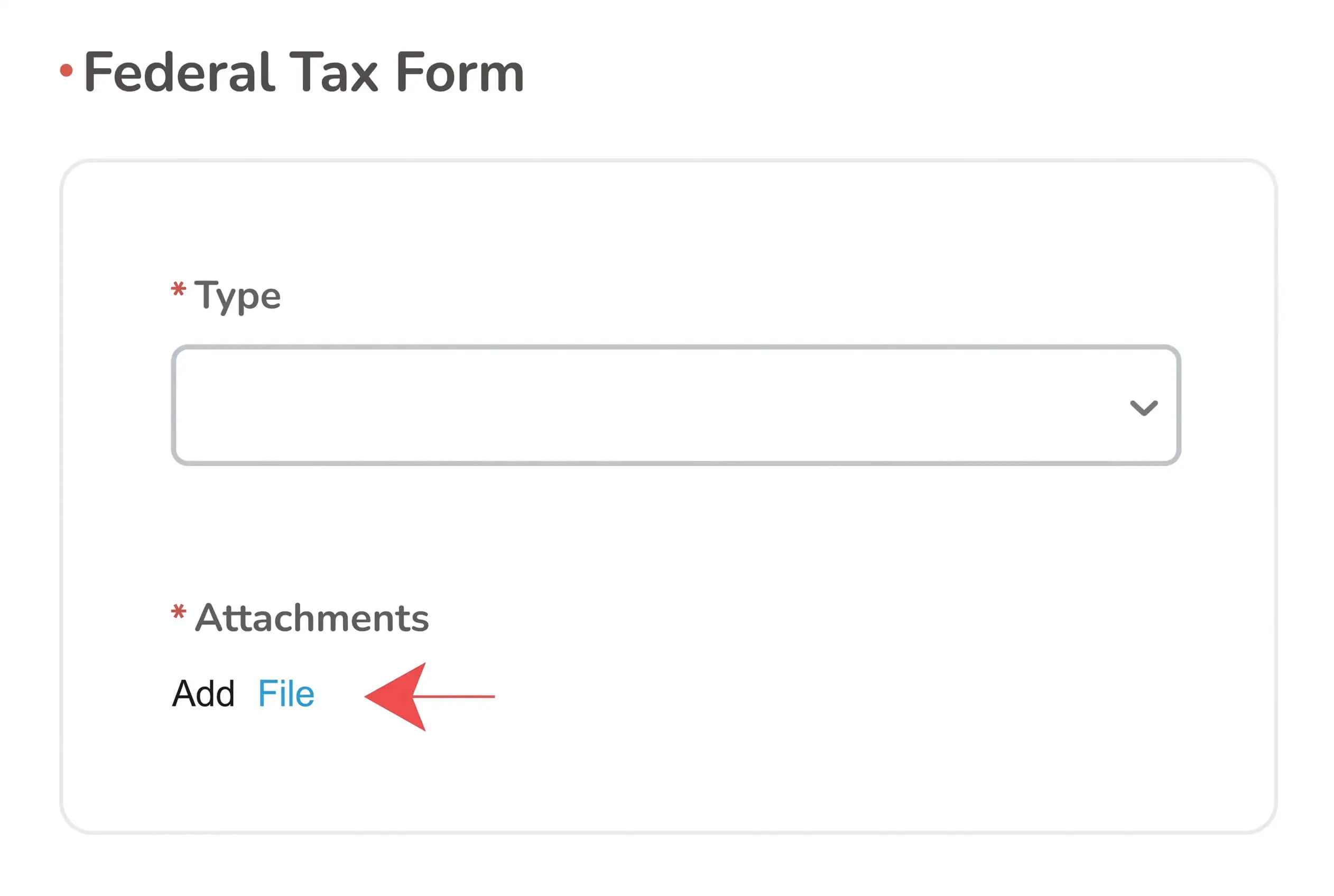
Type: Select your Federal Tax form type
Attachments: Attach your Federal Tax form here
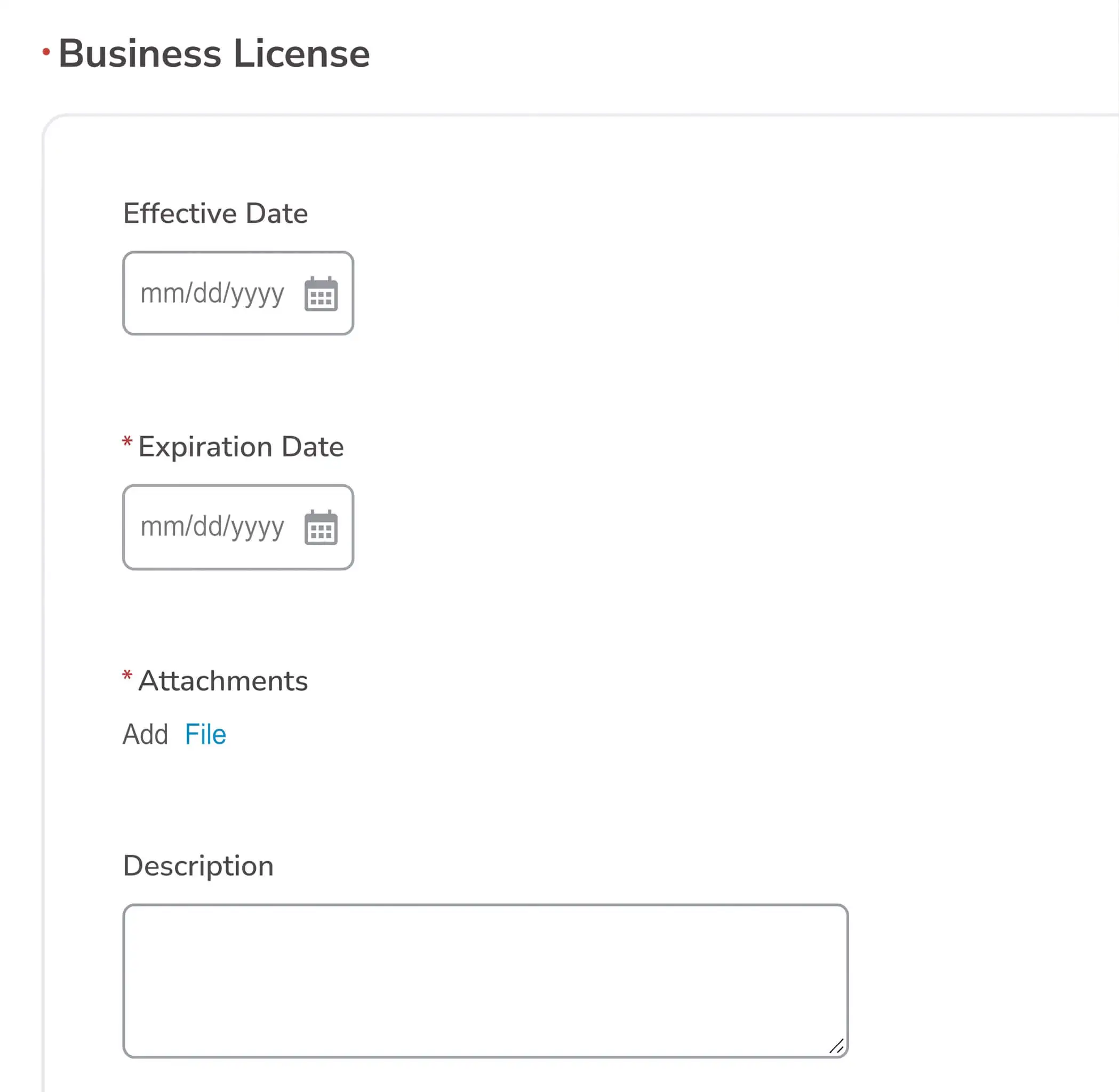
Effective Date: Add the effective date of your business license
Expiration Date: Add the expiration date of your business licence
Attachments: Attach your business licence here
Description: Enter a description if necessary
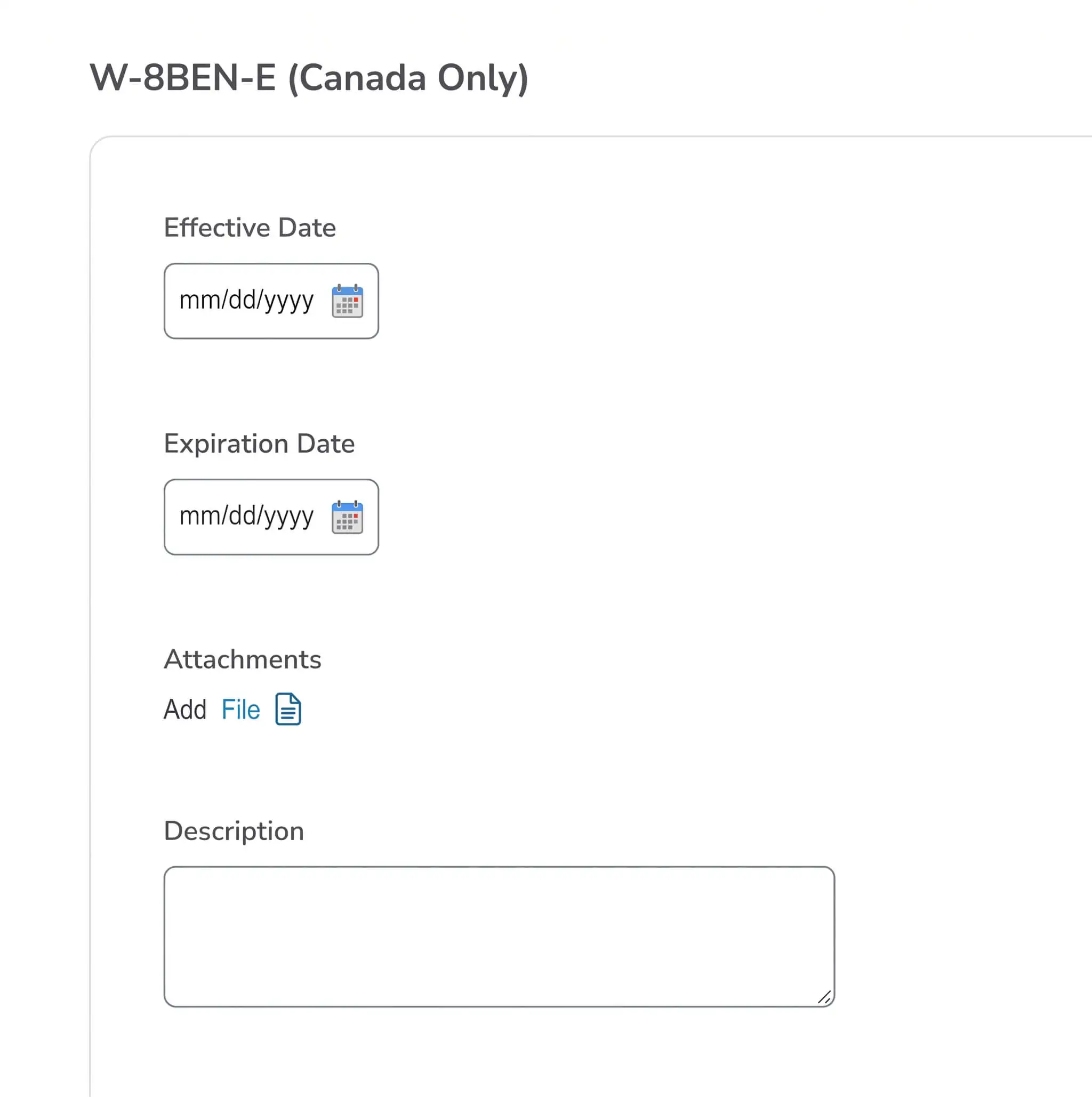
This section is required for Canadian Suppliers ONLY
Effective Date: Add the effective date of the W-8BEN-E
Expiration Date: Add the expiration date of the W-8BEN-E
Attachments: Add your W-8BEN-E here
Description: Add a description if necessary
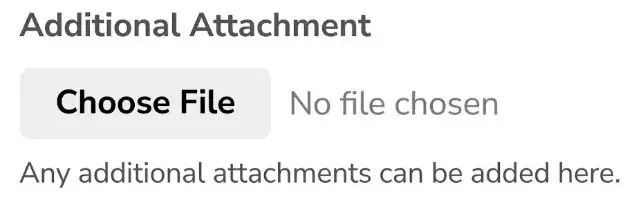
Choose File: Attach any additional attachments here if necessary
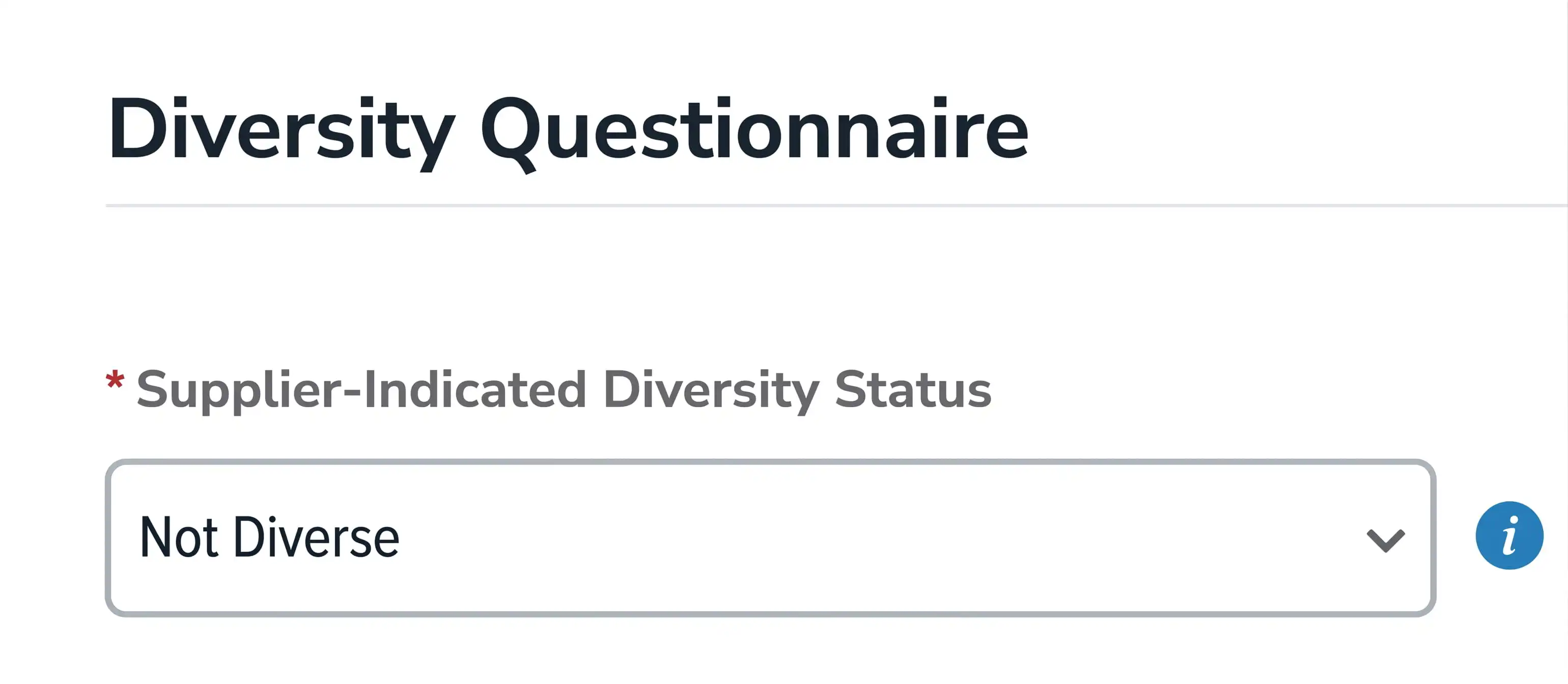
Supplier-Indicated Diversity Status: Select whether your company qualifies as a diverse supplier. Suppliers selecting "Diverse" must provide their diversity category(ies) and any applicable certification details
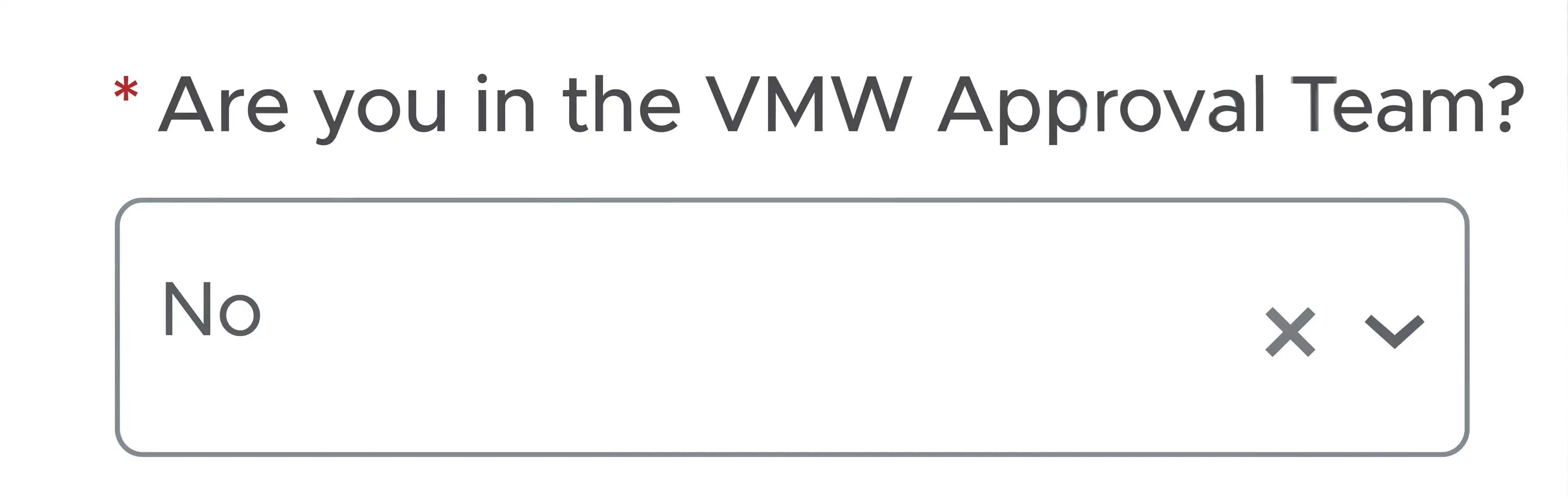
Unless you are on the VMW Approval Team, select "No"

Finally, click the "Submit for Approval" button. The Onboarding Questionnaire is now complete.
Reach out to the relevant team below. We'll be in touch as soon as possible.